
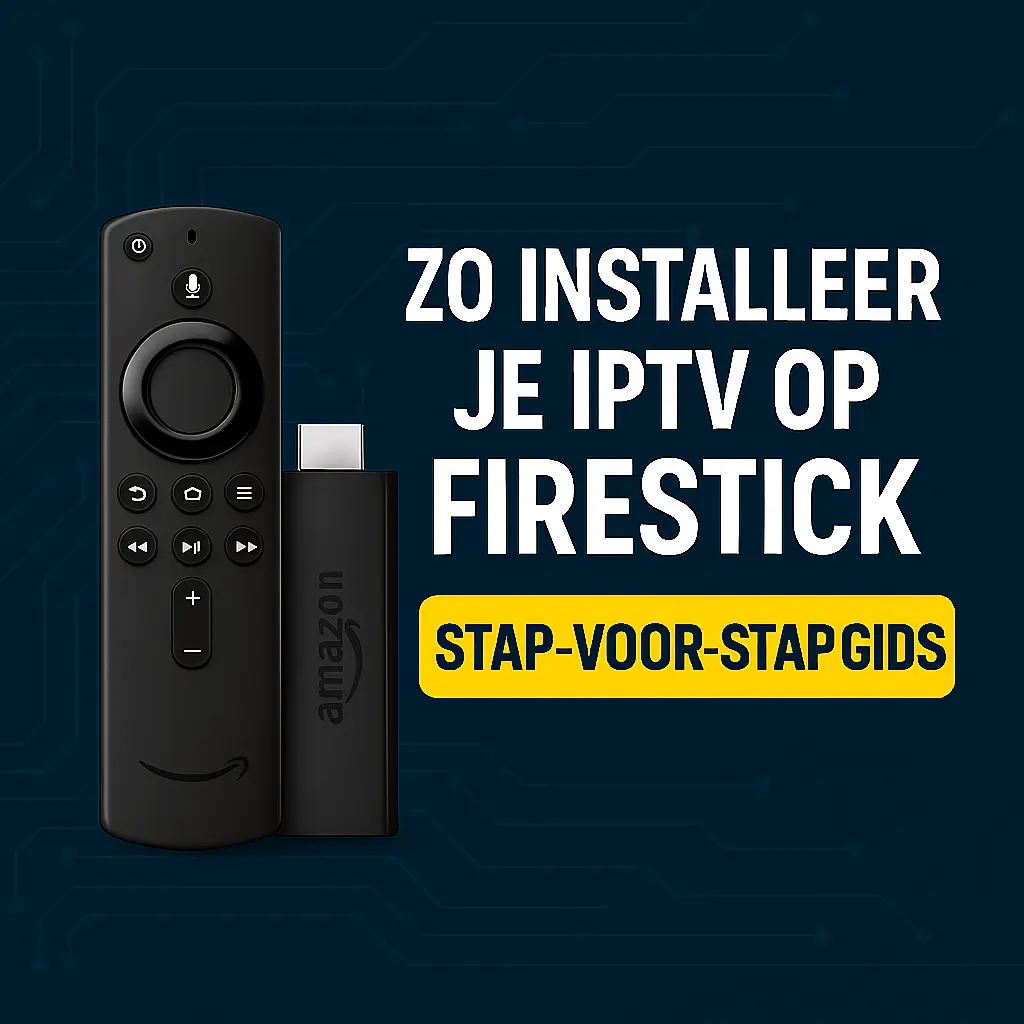
How to Set Up IPTV on Firestick in 2025 – Quick & Easy Guide
Have you just purchased an IPTV subscription and want to watch it on your Amazon FirestickThen you've come to the right place. In this guide, we'll show you step-by-step how to install IPTV on Firestick in under 5 minutes—no technical knowledge required.
Step 1: Install the Downloader app
- On your Firestick go to “Search” → “Find”
- Type Downloader and install the app
- Open Downloader and allow access when asked for
Step 2: Enable unknown sources
- Go to Settings → My Fire TV → Developer Options
- Turn ON:
- ADB debugging
- Install unknown apps (enable for Downloader)
Step 3: Download IPTV app (e.g. IPTV Smarters Pro)
- Enter the link in Downloader:
https://www.iptvsmarters.com/smarters.apk - Download and install the APK file
- Once installed, open the app
Step 4: Enter your IPTV details
Your IPTV provider (such as BestEverIPTV) gives you:
- Username
- Password
- Portal URL or M3U link
Enter your details in the app and you're done! 🎉
Bonus Tips:
- Use a VPN for extra privacy
- Keep your Firestick up to date for best performance
- For support, please contact your provider via WhatsApp
Need a free IPTV test?
👉 Click here to get 4 hours free
 English
 Nederlands
 Nederlands (België)
 Français