
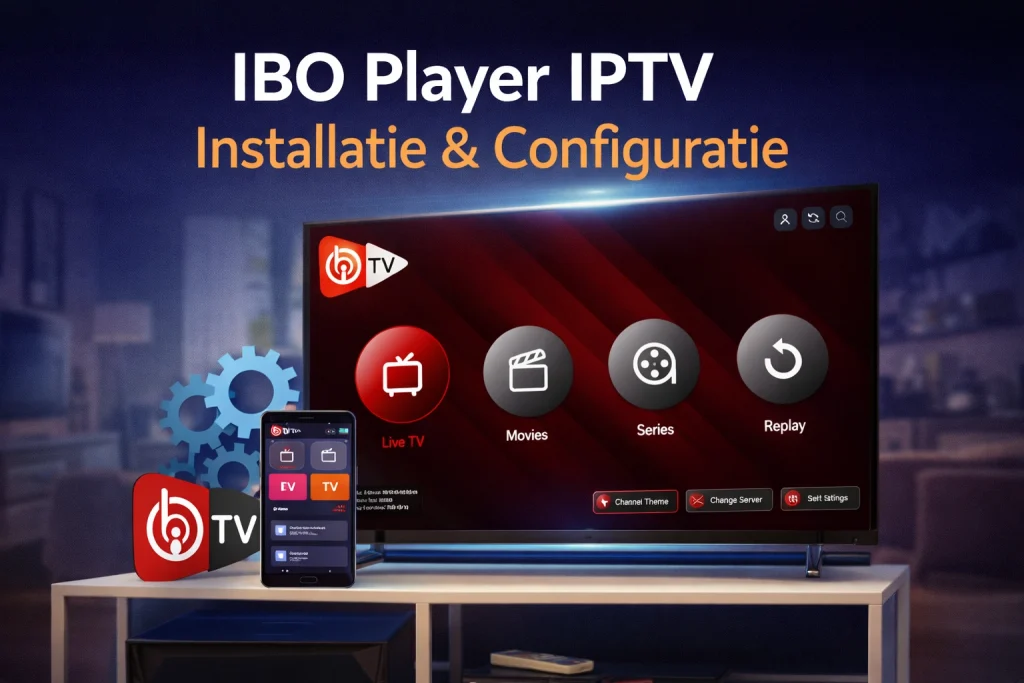
Do you want to enjoy unlimited live television, films and series? Then Install IBO Player IPTV one of the smartest choices you can make. This application is known for its speed, stability, and ease of use. But how exactly do you get started after you've decided to IPTV to buy?
Fortunately, the installation process is simpler than you think. In this comprehensive guide, we'll walk you through it step by step, from downloading the app on your smart TV or mobile device to adding your M3U playlist. You'll be ready to stream in minutes.
Why choose IBO Player IPTV?
With the explosive growth of streaming services and people switching to a IPTV subscription, choosing the right media player is crucial. Why should you choose IBO Player specifically?
When testing various apps, IBO Player excels in three crucial areas: ease of use, speed and compatibility.
- Lightning-fast installation: The interface is intuitive.
- Universal support: Works on Smart TV, Android, iOS and Fire TV Stick.
- Flexible playlist management: Manage multiple M3Us without reinstalling.
- Professional interface: Clear and fast navigation.
Step 1: Download and install IBO Player IPTV
The first step to your new TV experience is installing the software.
📺 Installation on Smart TV (Samsung & LG)
- Turn on your TV and connect to the internet.
- Open your TV's App Store.
- Search for IBO Player.
- Click on Install.
- After installation, open the app.
📱 Installation on Android
- Open the Google Play Store.
- Search for IBO Player IPTV.
- Install the app.
- Note your Device ID and Key.
🍎 Installation on iOS
- Open the App Store.
- Search for IBO Player IPTV.
- Download and open the app.
🔥 Installing on Fire TV Stick
- Go to Search.
- Type “IBO Player”.
- Download the app.
- Open the app.
Step 2: Configure IBO Player IPTV
Connect now IPTV subscription to the app.
Account and Device ID
- Device ID
- Device Key
Add M3U playlist
- Go to the IBO Player website.
- Log in with Device ID and Key.
- Add your M3U link.
Picture settings
Conclusion
With the right setup, you can enjoy IPTV without any worries. For reliable information and tips, you can always rely on Bestever IPTV.
Enjoy!

 English
 Nederlands
 Nederlands (België)
 Français